
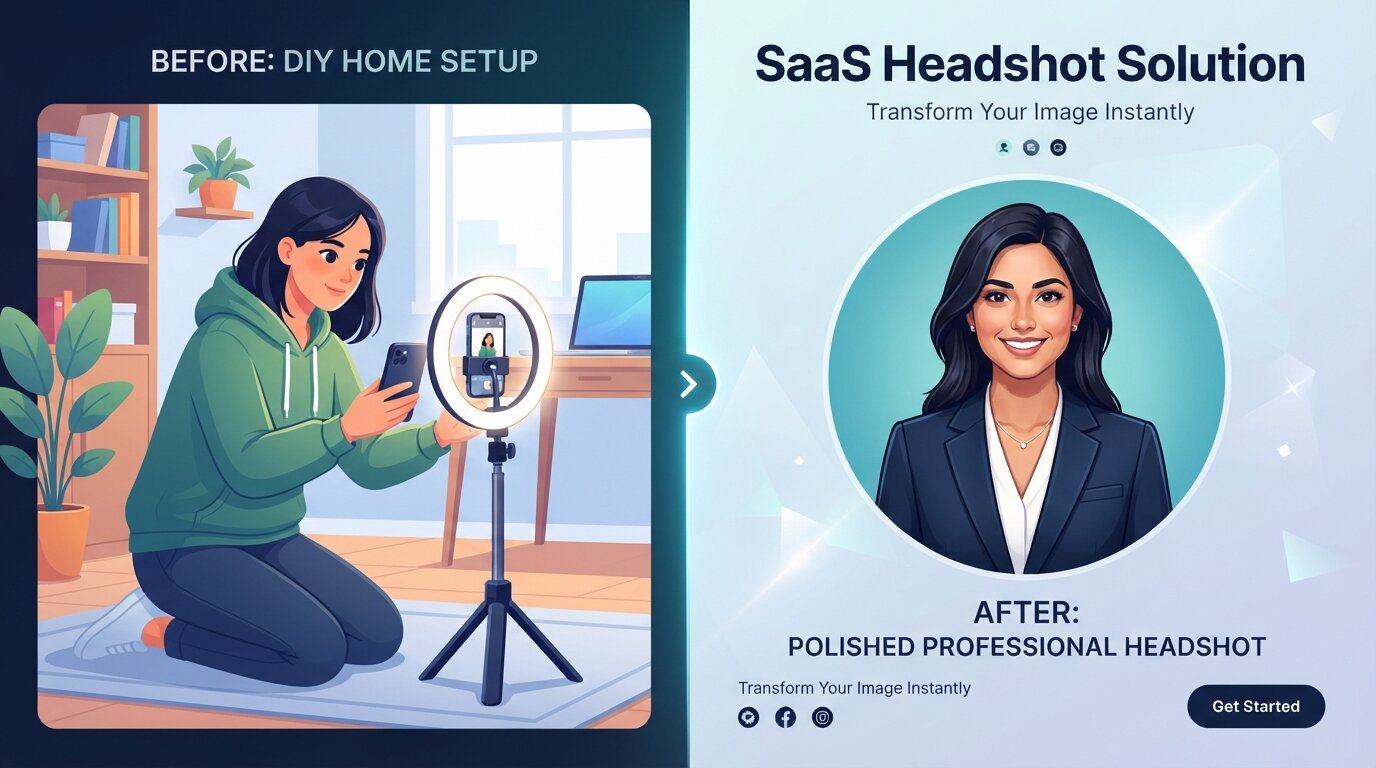
# How to Take a Professional Resume Headshot at Home (2026 Guide)
A resume headshot is a professional portrait photograph used on CVs, LinkedIn profiles, and personal websites to make a strong first impression. While hiring a professional photographer is great, taking a high-quality resume headshot at home is entirely possible in 2026 using just your smartphone and good lighting.
In this guide, we will walk you through the step-by-step process of capturing the perfect photo for your career, and reveal a modern AI alternative that saves you hours of setup.
# Do You Need a Photo on Your Resume? (US vs. Europe Rules)
Before setting up your camera, you should know the standard practices for your target job market:
- United States, UK, & Canada: Generally, NO. Including a photo on a resume in these countries is discouraged to prevent unconscious bias and comply with anti-discrimination laws. Save your professional headshot for your LinkedIn profile instead.
- Europe, Asia, & Middle East: Generally, YES. In countries like Germany, France, and Japan, a professional CV photo is expected and considered standard practice.
# 5 Steps to Take a Perfect Resume Headshot at Home
If you decide to take the DIY route, follow these five essential steps to ensure your photo looks professional and polished.
# 1. Find the Right Lighting (Natural Light is Key)
Good lighting is the difference between a blurry selfie and a professional portrait.
- Do: Stand facing a large window with soft, natural daylight. The light should hit your face evenly.
- Don't: Stand with your back to the window (this creates a dark silhouette) or take photos under harsh overhead room lights (this creates dark shadows under your eyes).
# 2. Choose a Neutral Background
Your background should not distract from your face.
- Do: Use a plain, solid-colored wall (white, light grey, or soft blue are ideal).
- Don't: Use cluttered rooms, busy wallpaper, or distracting outdoor environments.
# 3. Dress for the Job You Want (What to Wear)
Your clothing should reflect the industry you are applying to.
- Corporate/Finance: A tailored blazer, button-down shirt, or modest blouse in solid colors (navy, grey, black).
- Creative/Tech: Smart casual attire, such as a clean, high-quality solid t-shirt, a crisp button-down, or a simple sweater.
- Pro Tip: Avoid distracting patterns, large logos, and excessive jewelry.
# 4. Position Your Camera at Eye Level
Angles matter. Taking a photo from below makes you look intimidating, while taking it from above can look too casual.
- Set your phone on a tripod or lean it against a sturdy object.
- Ensure the camera lens is exactly at eye level.
- Use the rear-facing camera for better image quality, and use a timer so you have time to pose.
# 5. Perfect Your Posture and Expression
Confidence and approachability are key.
- Stand or sit up straight with your shoulders slightly pulled back.
- Angle your body slightly (about 45 degrees) away from the camera, then turn your head back to face the lens.
- Offer a natural, warm smile. Think of something pleasant right before the camera clicks!
# The Modern Alternative: AI Resume Headshots
Let's be honest: setting up good lighting, finding a clean background, doing your hair and makeup, and taking dozens of photos to get one good shot takes hours.
If you want a studio-quality professional headshot without the hassle, PerfectShot.me is the ultimate 2026 solution.
Instead of fighting with tripods and bad room lighting, you can:
- Upload a few casual selfies or everyday photos.
- Select your desired professional style (Corporate, Tech Startup, Executive, etc.).
- Let our advanced AI (powered by Gemini 2.5 Flash) generate hyper-realistic, professional headshots in less than a minute.
It costs a fraction of a traditional photoshoot, and you get perfect lighting and styling every time. Try PerfectShot.me today and upgrade your resume instantly.